
Your product, shot on a model
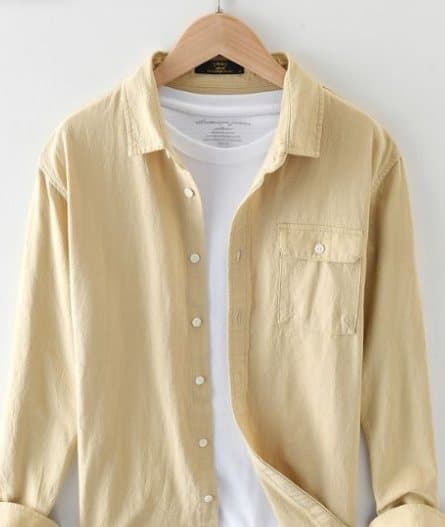
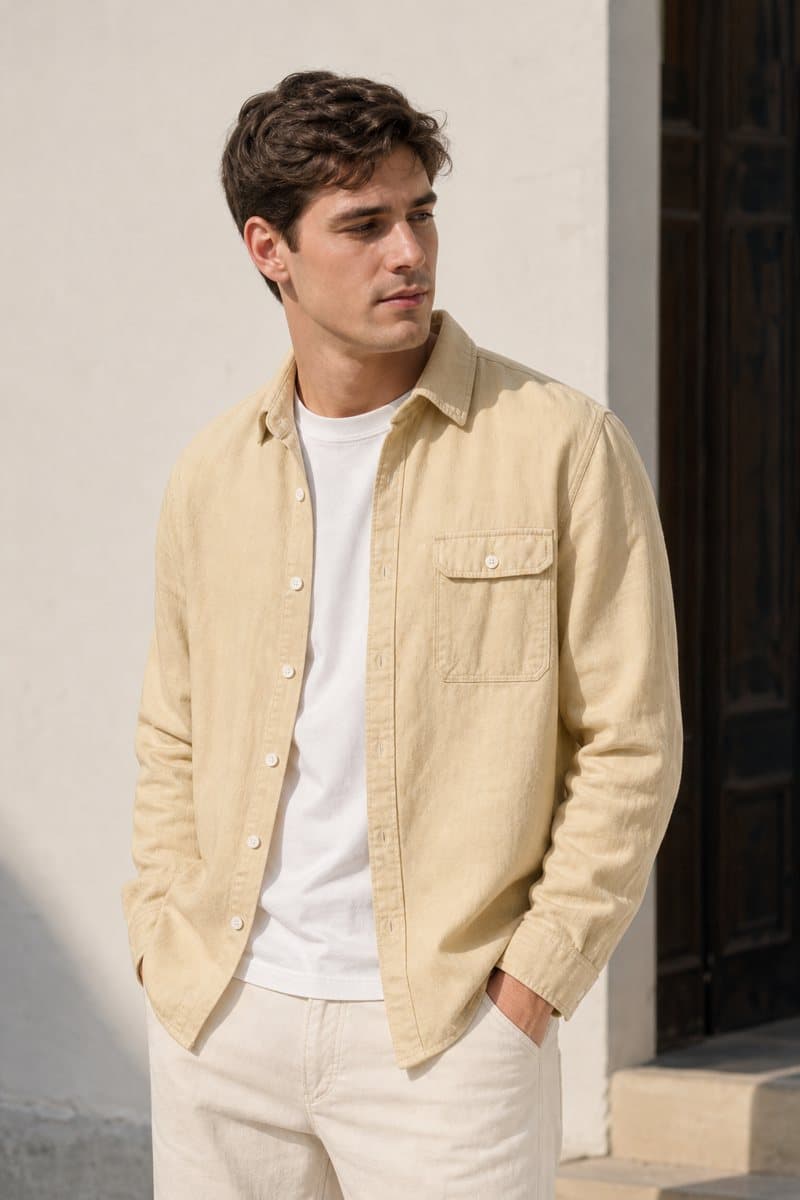
Upload one plain photo of a shirt, a shoe or a ring. Studiofy puts it on a model or in a real setting in minutes, ready for your store and your ads.
The best AI for product photos
Made for product photos
Clothing, footwear, jewellery, bags, eyewear and watches each get their own settings for fit, scale and styling.
Your product, locked
Every shoot tells the AI to keep your colour, print, shape and logo exactly as you photographed them. The model and the scene change. Your product doesn't.
The Studiofy photo engine
Every shoot runs through the Studiofy engine: direction for each category, product locking, and lens, light and pose choices tuned for selling. You upload one photo and it handles the rest.
From one photo to a full shoot
Your product on a model, in a real place
Upload a phone photo of a shirt, a dress or a hoodie. Studiofy puts it on a model in a real setting that looks like a brand shoot.
- Pick the model, pose and setting
- Square, portrait or story size
- Keeps the colours, prints and logos

How it works
- 1
Upload a plain photo
A shirt on a hanger, a flat lay or a product held in your hand. Even light helps more than a good camera.
- 2
Pick the model and the place
Choose age, skin tone, pose and setting, or describe the scene in your own words.
- 3
Download and list it
Square, portrait or story size, ready for your store, Etsy, Amazon or Instagram. Turn any result into a product video.
Simple pricing
Free
$0
10 credits when you sign up
About 10 standard photos
Every tool and category
No card needed
Starter
$15
per month, 150 credits
About 150 standard photos a month
Photos, product videos and batch shoots
Credits never expire
Pro
$39
per month, 450 credits
About 450 standard photos a month
Lowest price per credit
Credits never expire
Prices in USD. Yearly plans get 2 months free. One-time credit top-ups are also available.
Questions, answered
What photo do I need?
One clear photo of the product. A phone photo on a hanger, a flat lay or the item held in your hand all work. Avoid heavy shadows and cropped edges.
Will my product look the same?
Studiofy keeps the colour, print, shape and logo of your product and builds the model and the scene around it. Tiny text and fine details can still drift, so check them before you publish.
Which products work?
Clothing, footwear, jewellery, bags, eyewear and watches each have their own settings. Other products work with a scene you describe.
How much does it cost?
Every new account gets 10 free credits. After that, pick a monthly plan (Starter $15, Pro $39, or yearly with 2 months free) or buy a one-time top-up. A standard photo uses 1 credit, HD 2 and 4K 4. Videos use 10 to 20.
Can I cancel my plan?
Yes. Cancel from your account and the plan stops at the end of the period you paid for. Credits you already have never expire.
Do I need the app?
No. Studiofy works in your browser on a laptop or phone. It's also on iPhone and Android, with the same account and credits.
Try it on one of your products
10 free credits when you sign up. No card needed. Works in your browser, or get the app.